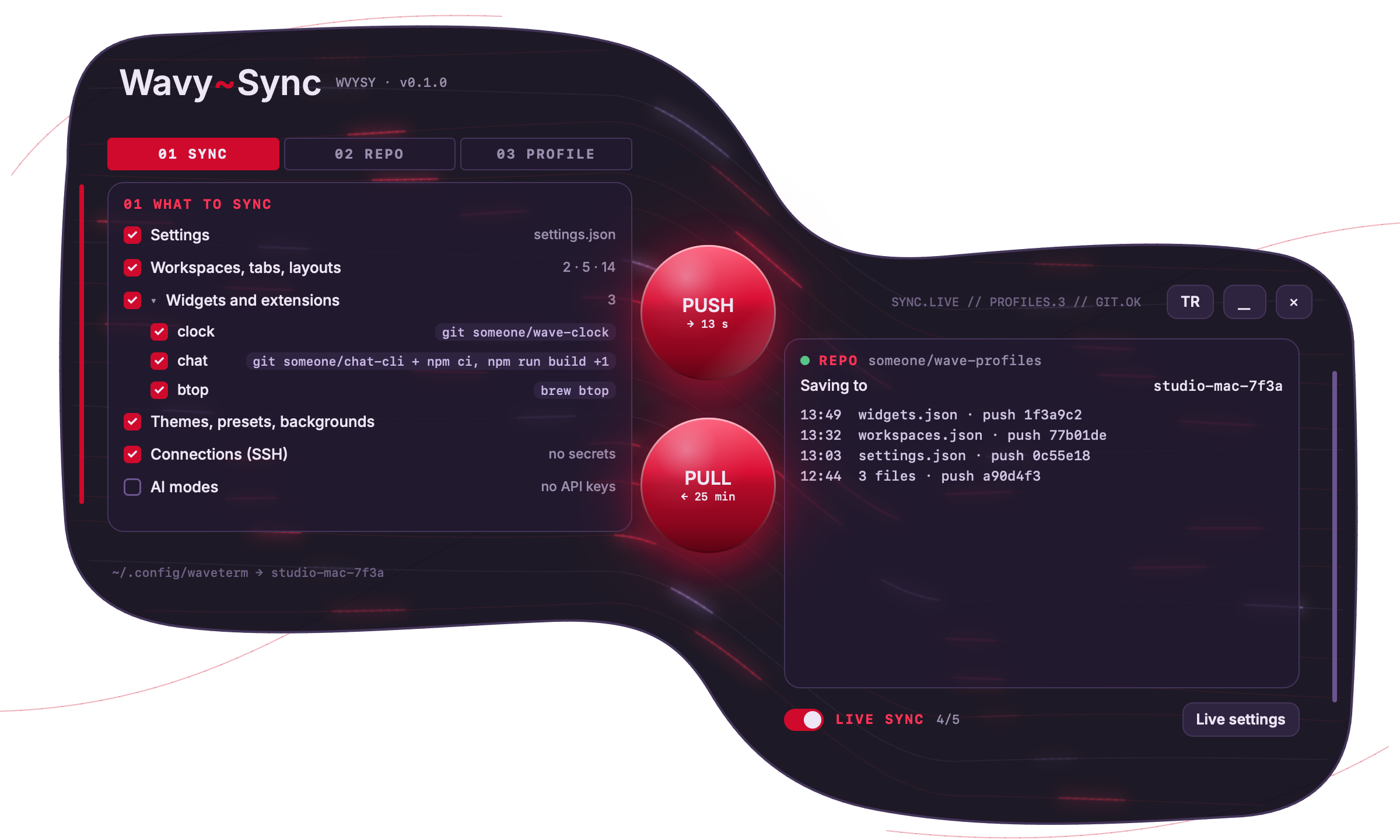
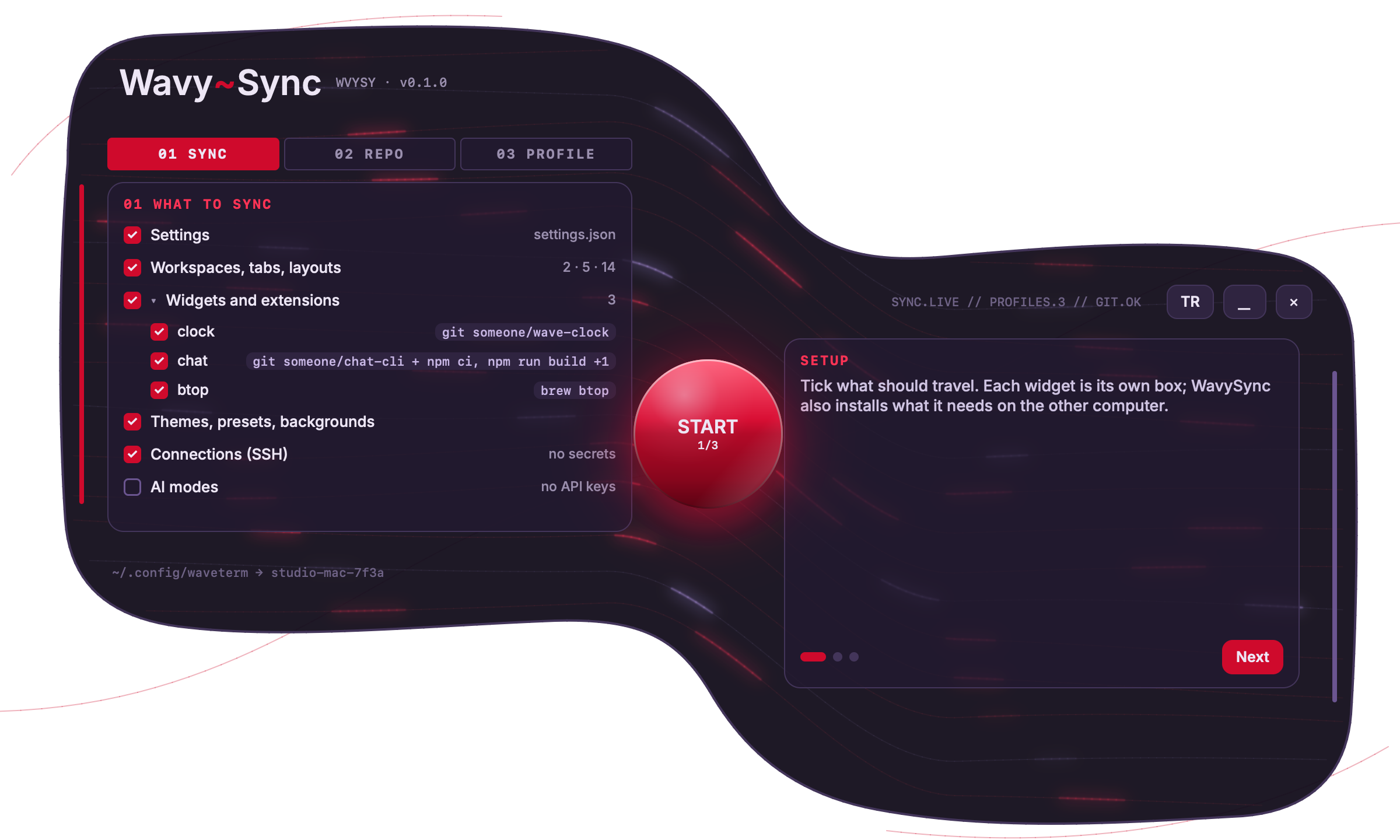
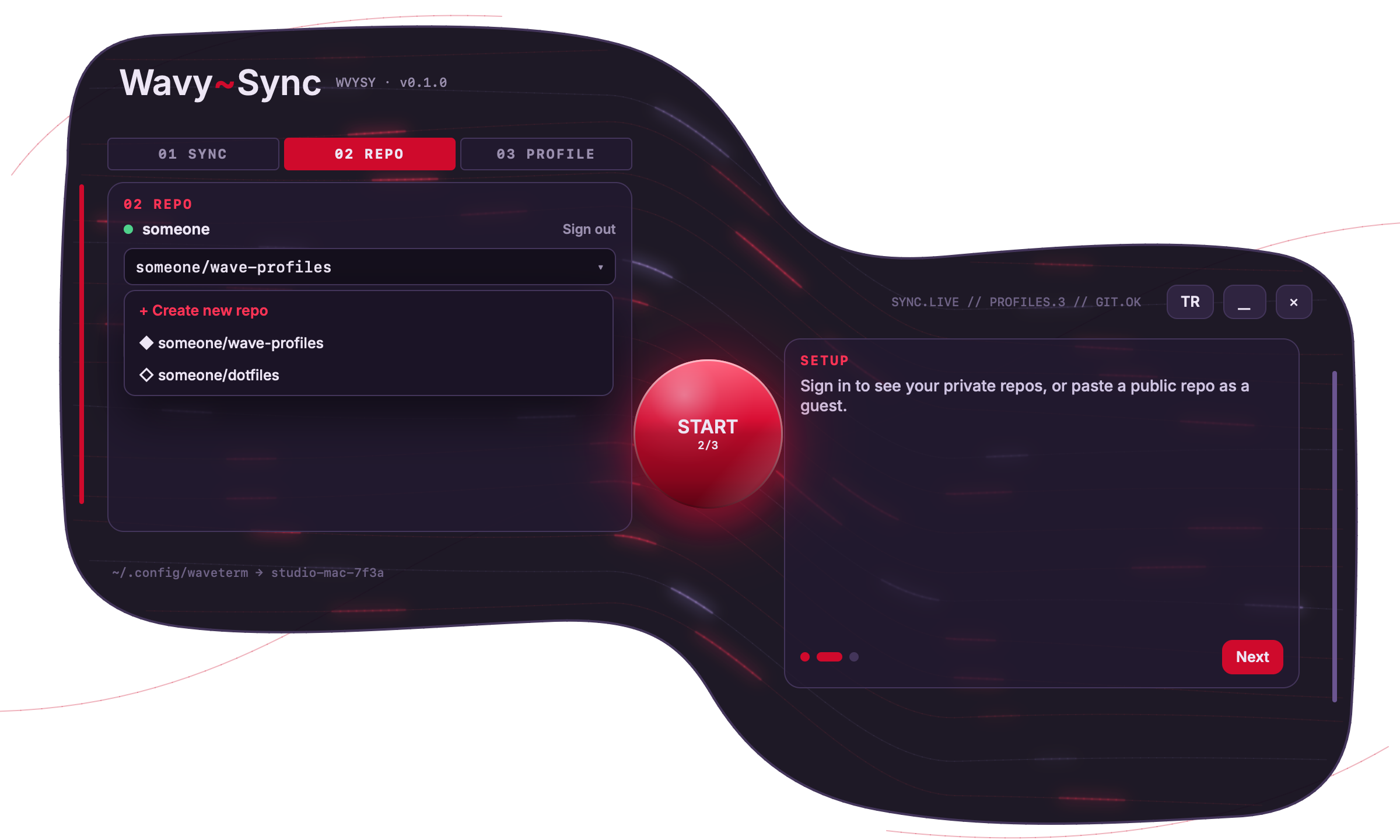
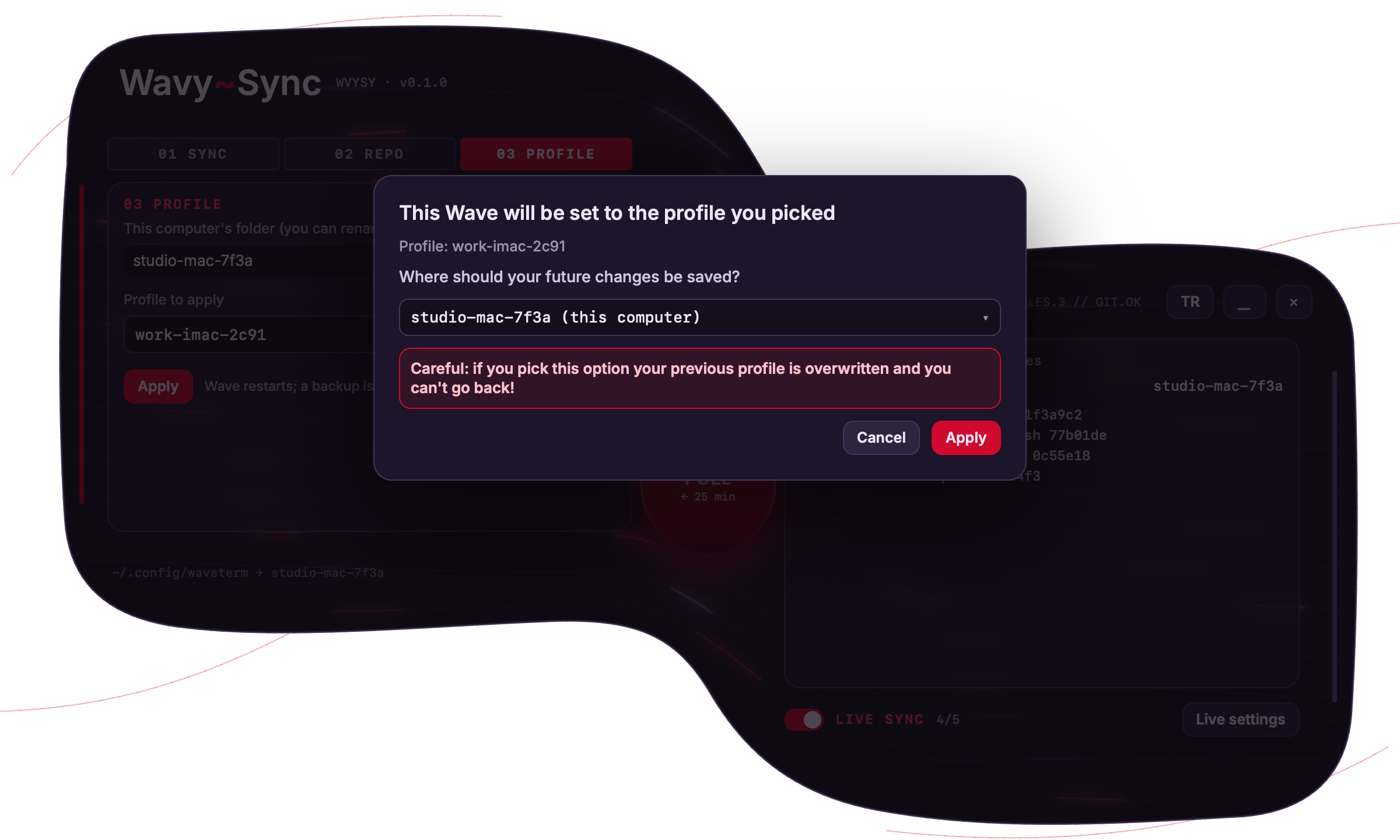
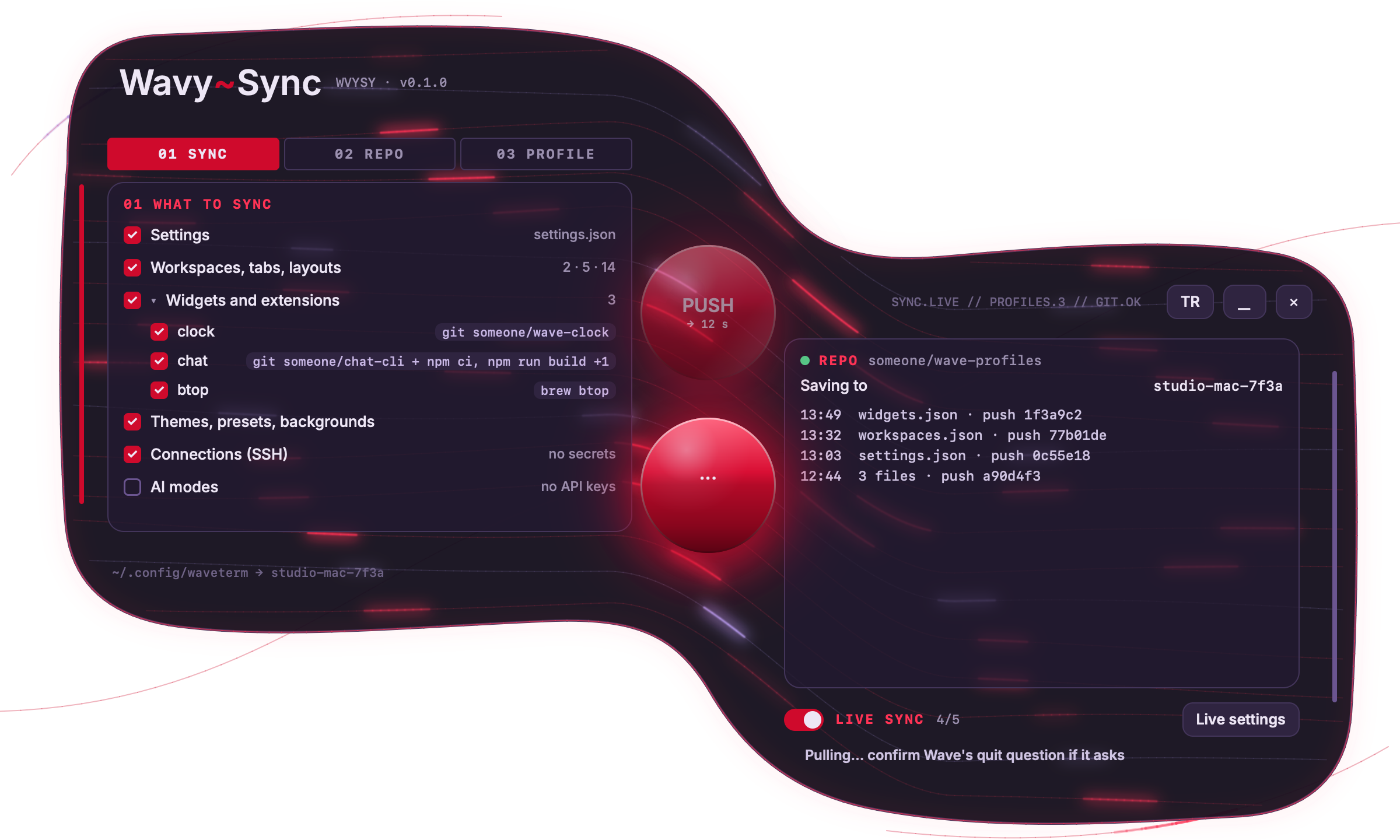
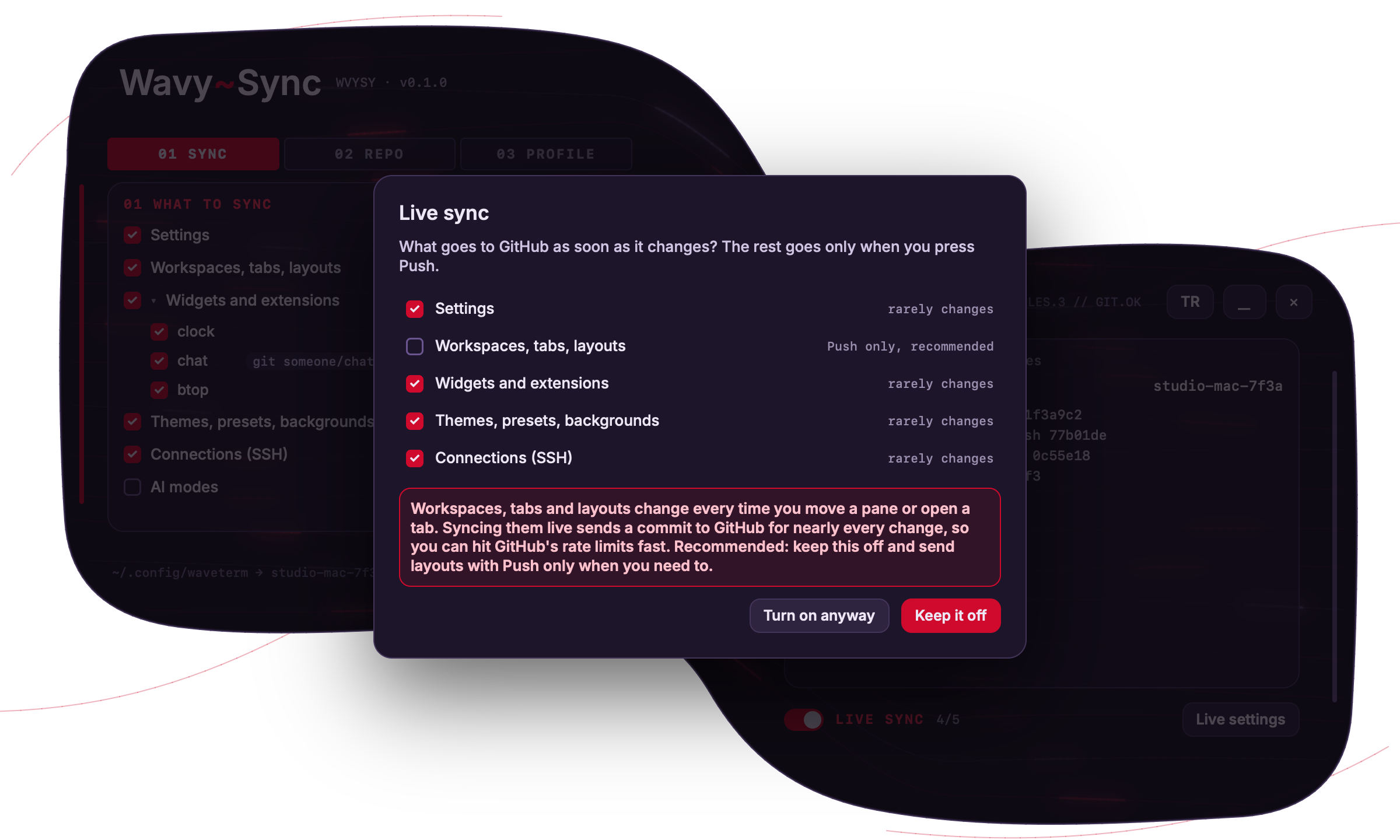
Wavy~Sync can sync your waveterms' Settings, workspaces, tabs, layouts, widgets and the tools behind them, through a GitHub repo you own. It creates one folder per your device as 'profiles' so you can apply any of them without losing your different layouts.
WavY.SYncMACOS · WINDOWS · LINUXCoded in Rust & RuneMIT
What is WaveTerm?
Wave is an open-source, AI-integrated terminal for macOS, Linux, and Windows. It works with any AI model. Bring your own API keys for OpenAI, Claude, or Gemini, or run local models via Ollama and LM Studio. No accounts required.
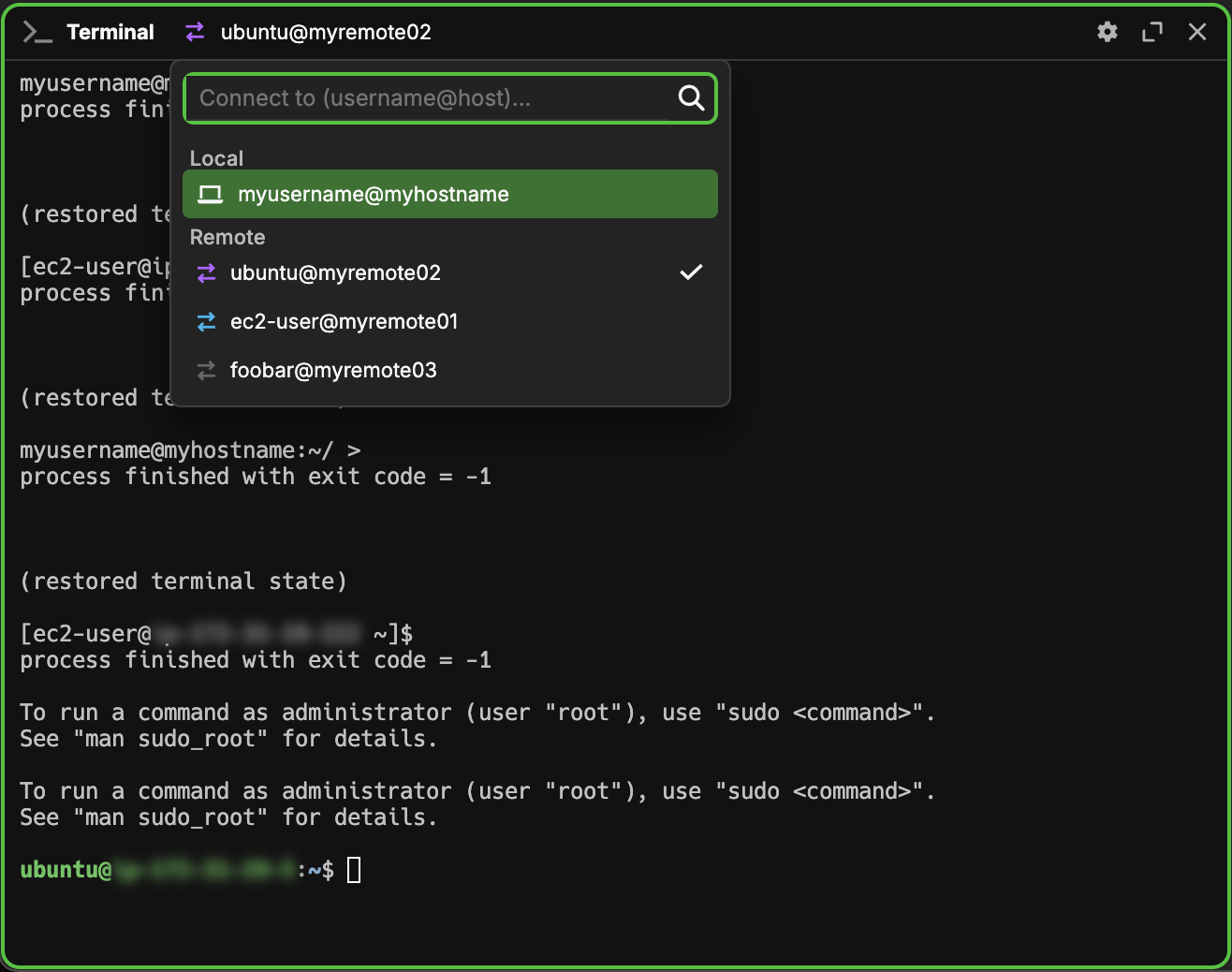
Wave also supports durable SSH sessions that survive network interruptions and restarts, with automatic reconnection. Edit remote files with a built-in graphical editor and preview files inline without leaving the terminal.
Latest stable release:v0.14.5 · 2026-04-16 · macOS · Windows · Linux
Features
In Wave's own words, from waveterm.dev and the Wave Terminal README.
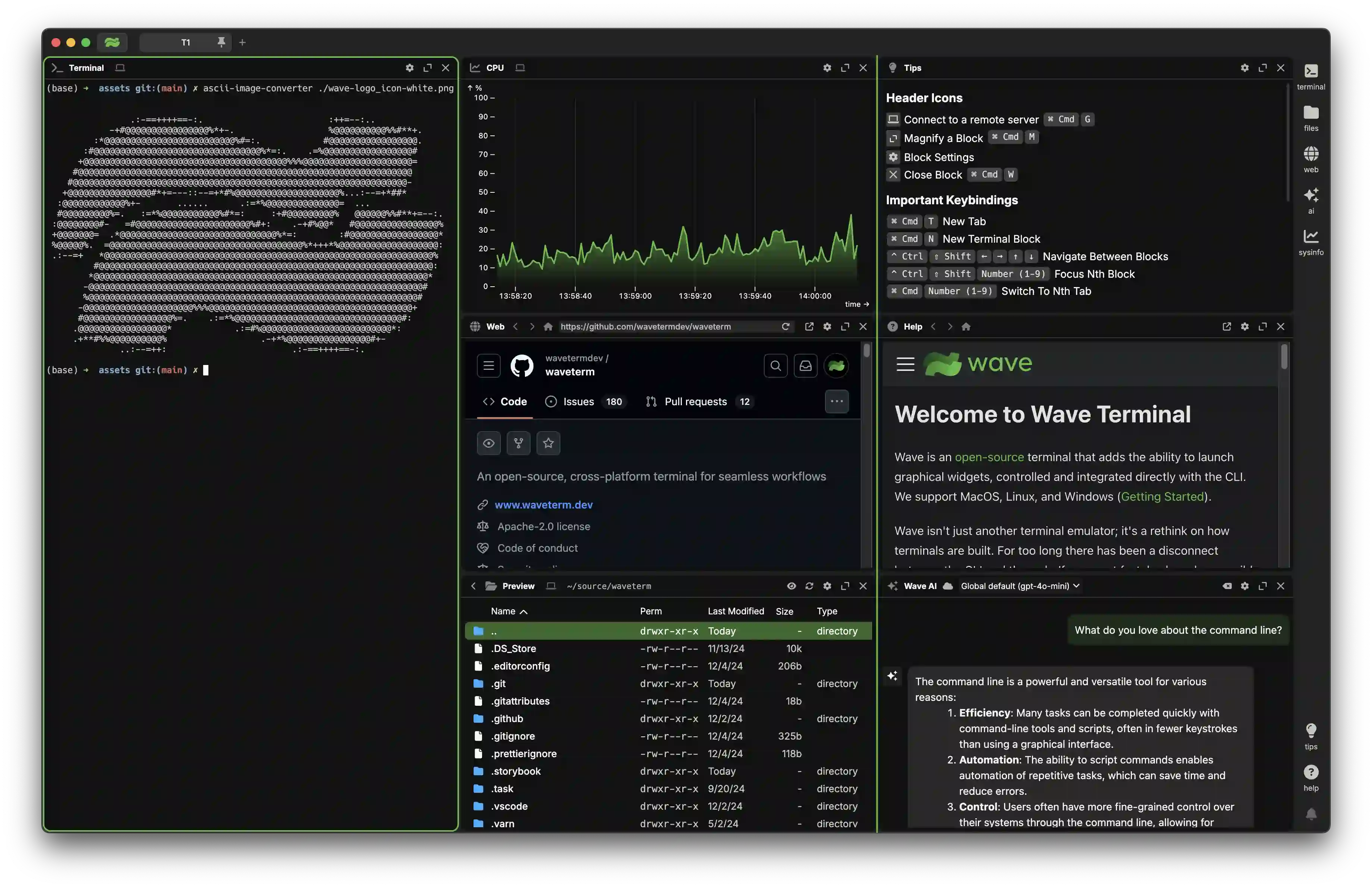
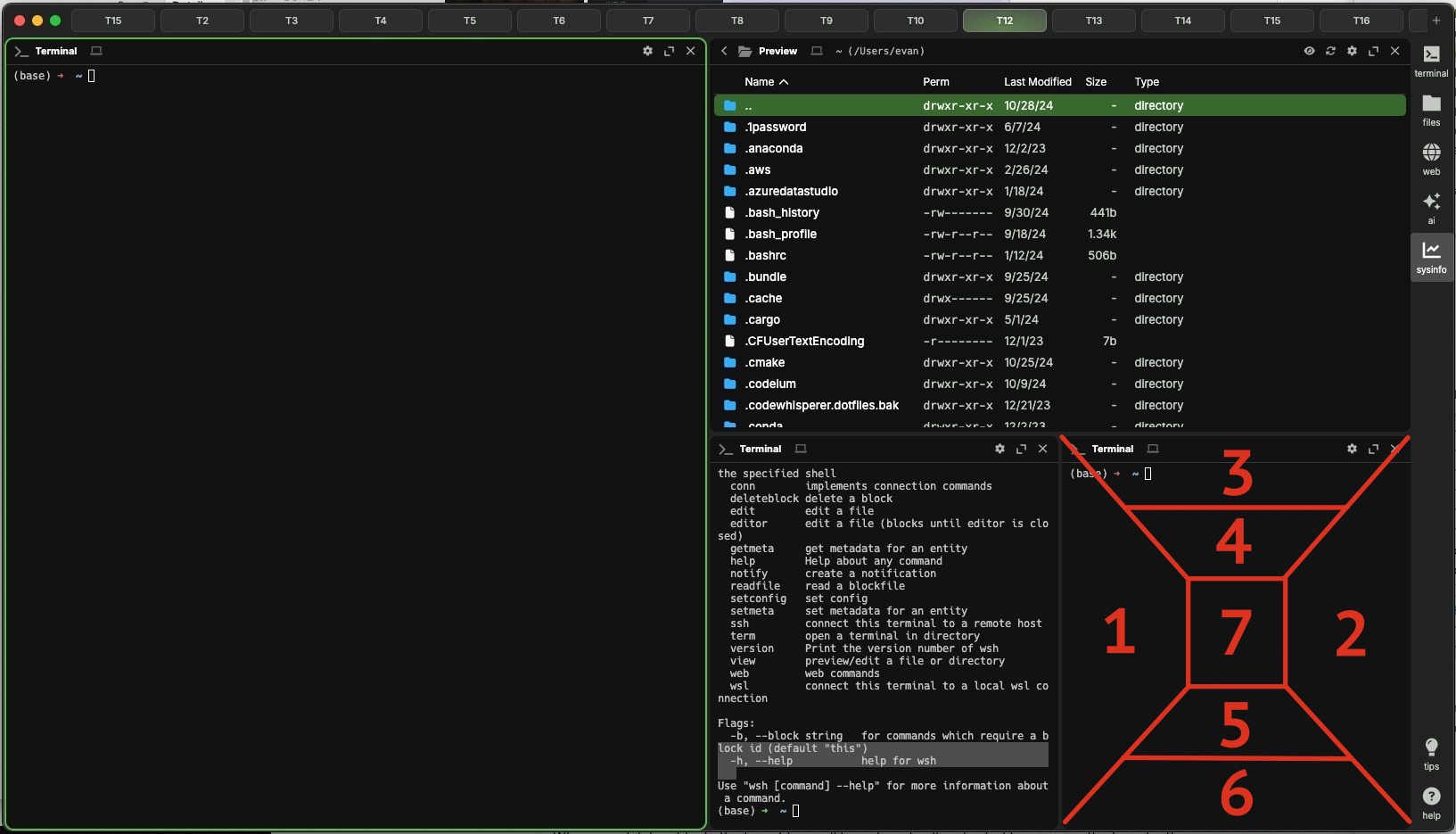
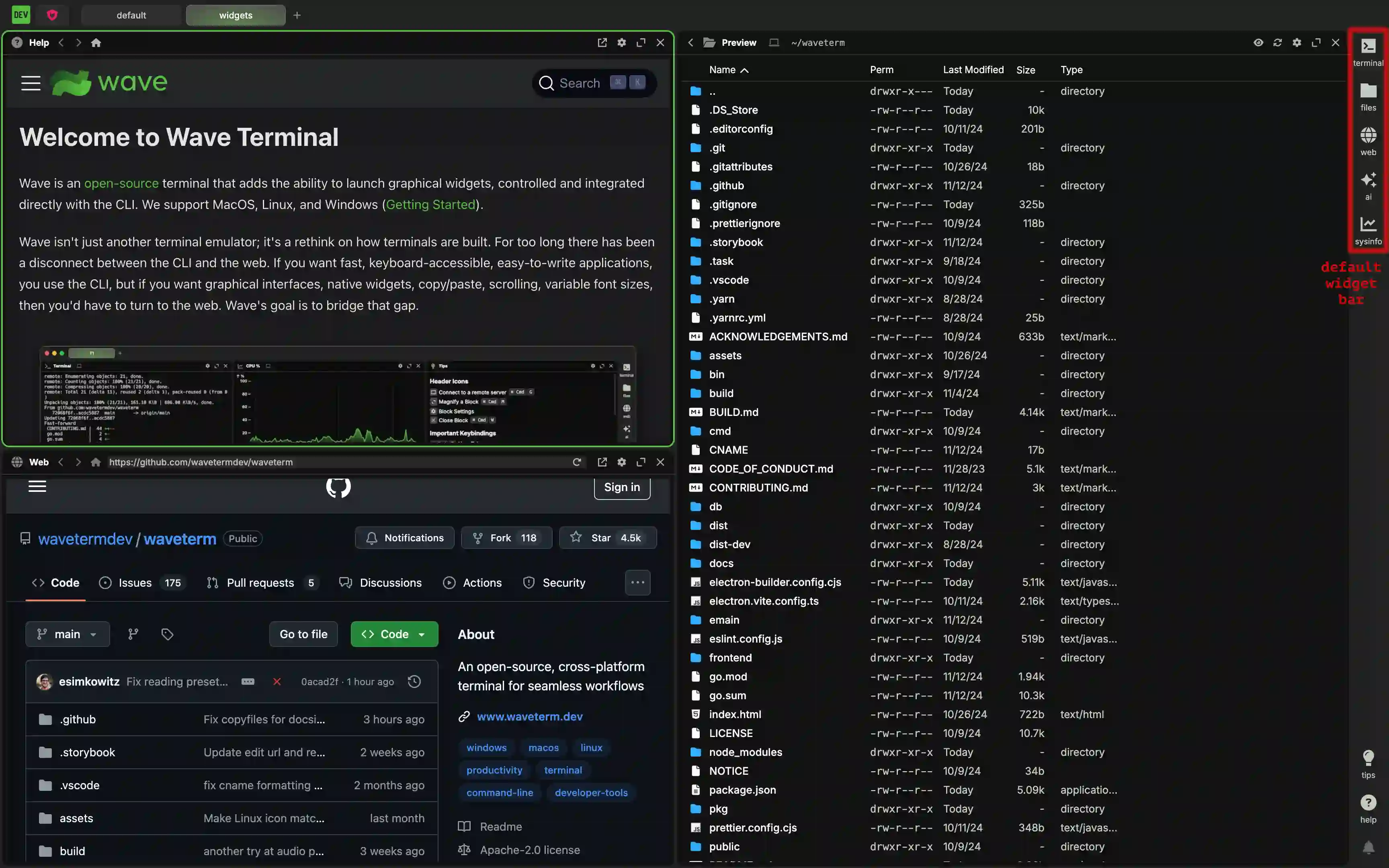
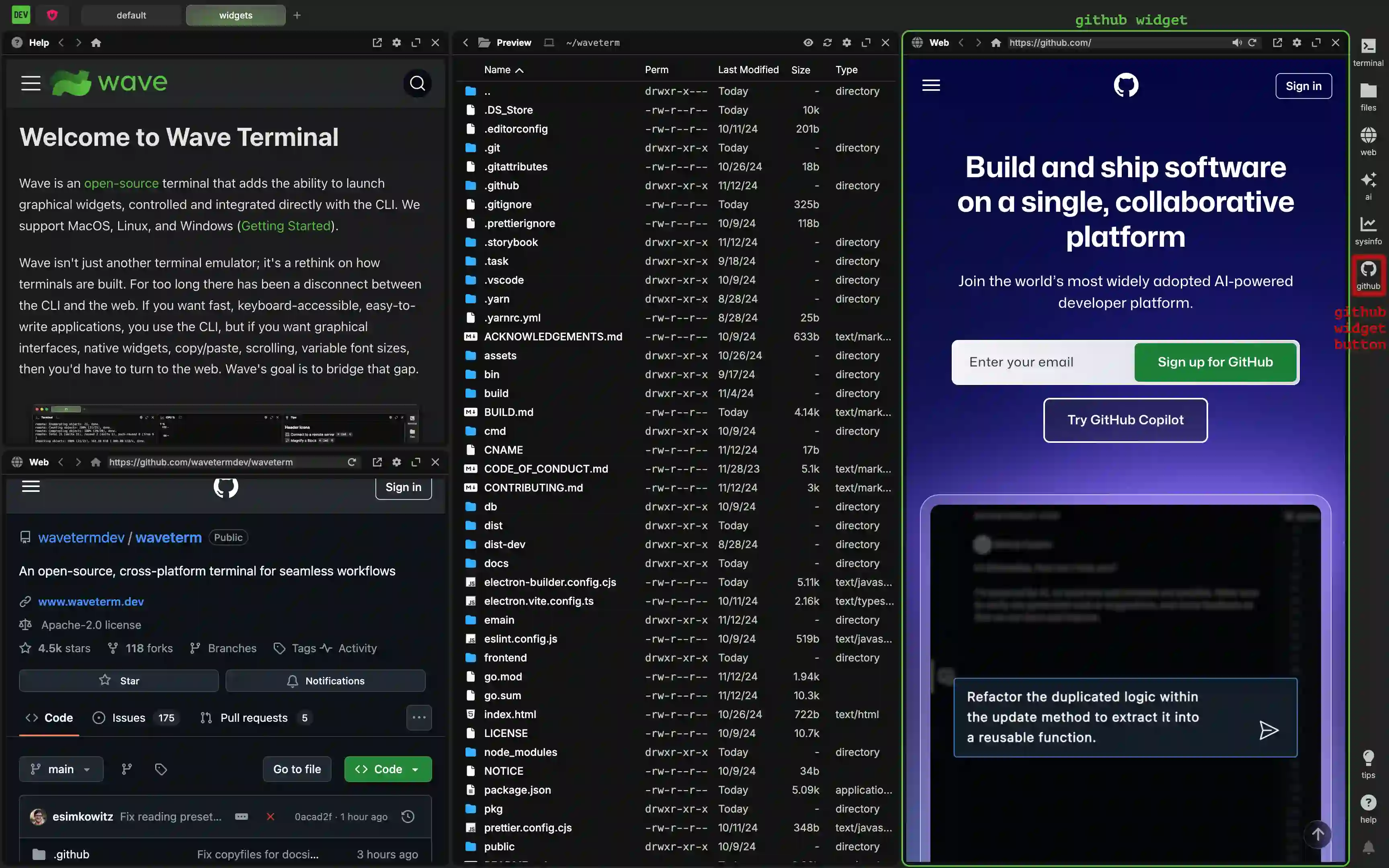
Screen Splitting and LayoutsSplit screens and arrange terminals, editors, and web views into workspaces and dashboardsManage Remote MachinesQuickly switch between remote servers and clusters with our SSH connection manager (with WSL support)Work with Remote FilesNavigate directories, preview markdown and images, and manage files on remote machinesInline Web BrowserBuilt-in web browser to access Github, StackOverflow, dashboards, and your own apps
Key Features
Wave AI - Context-aware terminal assistant that reads your terminal output, analyzes widgets, and performs file operations
Durable SSH Sessions - Remote terminal sessions survive connection interruptions, network changes, and Wave restarts with automatic reconnection
Flexible drag & drop interface to organize terminal blocks, editors, web browsers, and AI assistants
Built-in editor for editing remote files with syntax highlighting and modern editor features
Rich file preview system for remote files (markdown, images, video, PDFs, CSVs, directories)
Quick full-screen toggle for any block - expand terminals, editors, and previews for better visibility, then instantly return to multi-block view
AI chat widget with support for multiple models (OpenAI, Claude, Azure, Perplexity, Ollama)
Command Blocks for isolating and monitoring individual commands
One-click remote connections with full terminal and file system access
Secure secret storage using native system backends - store API keys and credentials locally, access them across SSH sessions
Rich customization including tab themes, terminal styles, and background images
Powerful wsh command system for managing your workspace from the CLI and sharing data between terminal sessions
Connected file management with wsh file - seamlessly copy and sync files between local and remote SSH hosts
Text and screenshots from Wave Terminal by Command Line Inc., Apache License 2.0. WavySync is not affiliated with Wave Terminal.
01 · What to sync, widgets expanded02 · Your repos, or a new one03 · Apply, and choose where changes goPush and Pull, with the live sync switchPull: the lines flow back while the repo comes inLive settings: layouts wait for Push
In the repo
Plain files you can read.
your-wave-profiles/
├── studio-mac-7f3a/
│   ├── wavysync.json     # host, system, last update
│   ├── config/           # settings, widgets, themes
│   ├── workspaces.json   # workspaces, tabs, layouts
│   ├── extensions.json   # what widgets need
│   └── files/            # small scripts, under {HOME}
├── work-imac-2c91/
└── ubuntu-lab-04be/
Never leaves your computer
Keys named like token, secret, password, apikey, privatekey
Terminal history and scrollback
Your GitHub sign in: it stays in the system keychain