Push and Pull
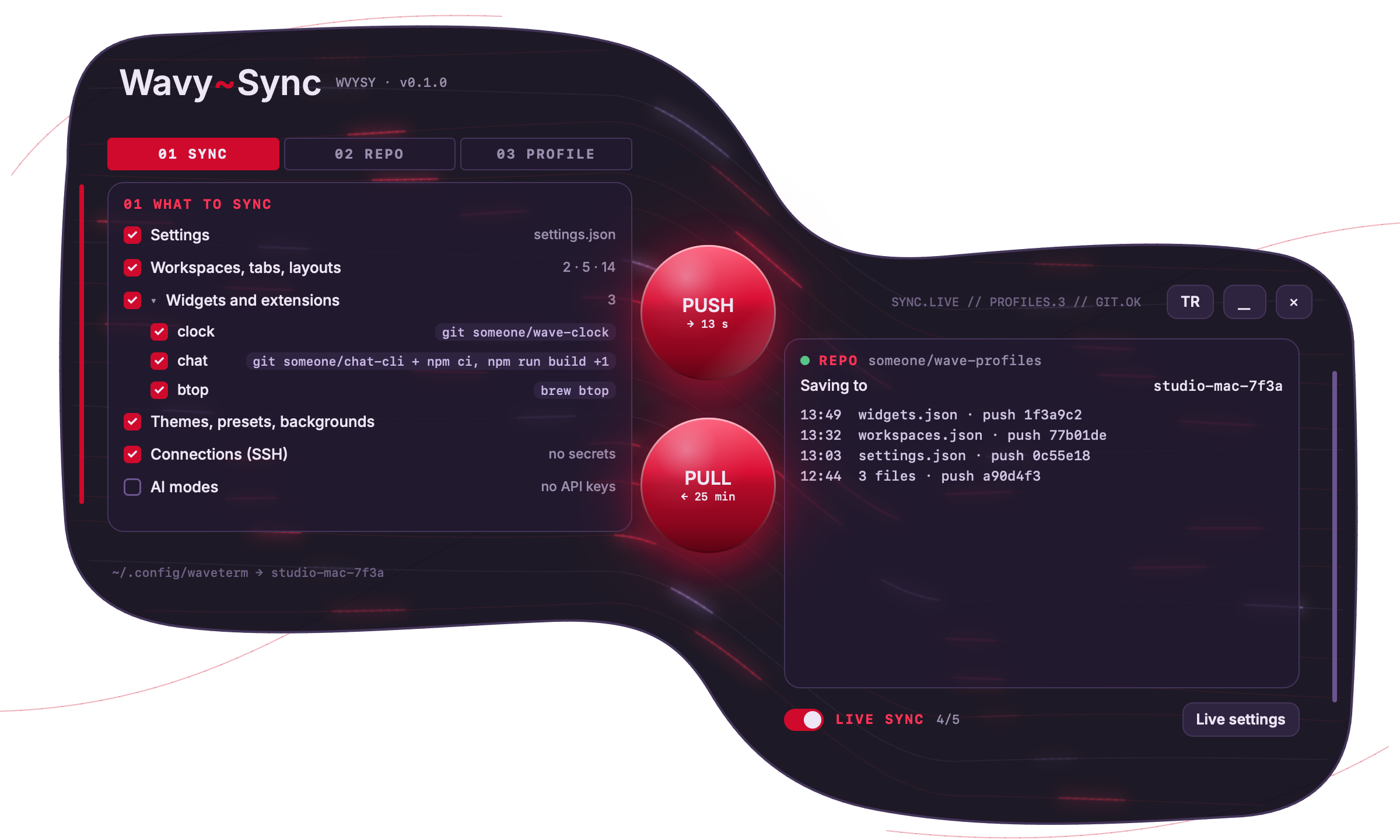
Push sends this Wave to its folder in the repo, layouts included, and the lines in the window flow to the right. Pull brings the folder back into Wave and the lines flow to the left. When either one lands, a green SYNCED shows for a moment. Pull closes Wave only when the layouts actually differ.
Live sync, without the noise
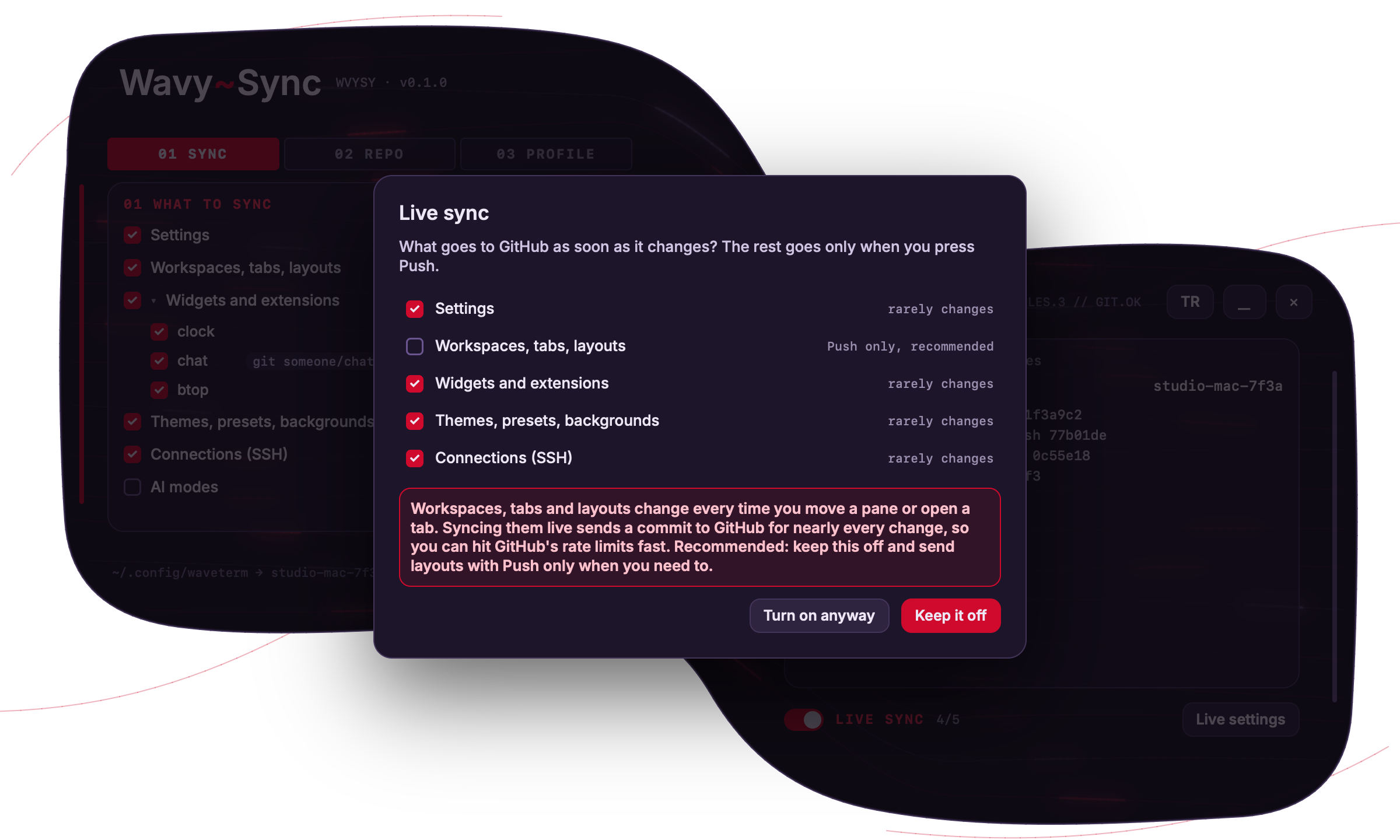
Turn the live sync switch on and a background process sends settings, widgets, themes and connections as they change. Workspaces, tabs and layouts change with every pane you move, so they wait for Push unless you turn them on in Live settings, and WavySync warns you about GitHub's rate limits before you do.
Widgets bring their tools
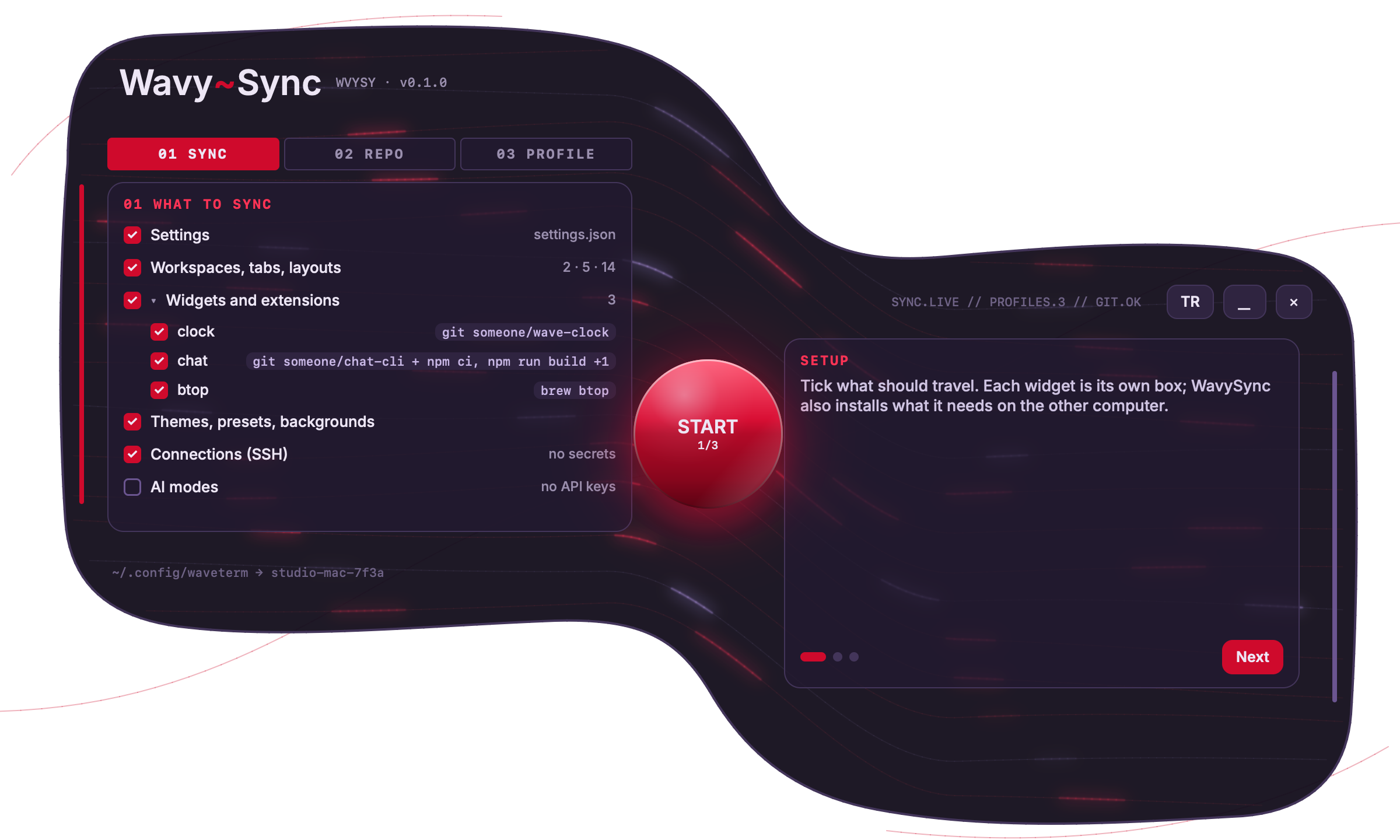
WavySync reads each widget and finds what it runs: a git repo and its build steps, a Homebrew formula, a global npm package, a cargo install, or a small script it carries along. Applying a profile installs them on the other computer.
One folder per computer, any profile anywhere
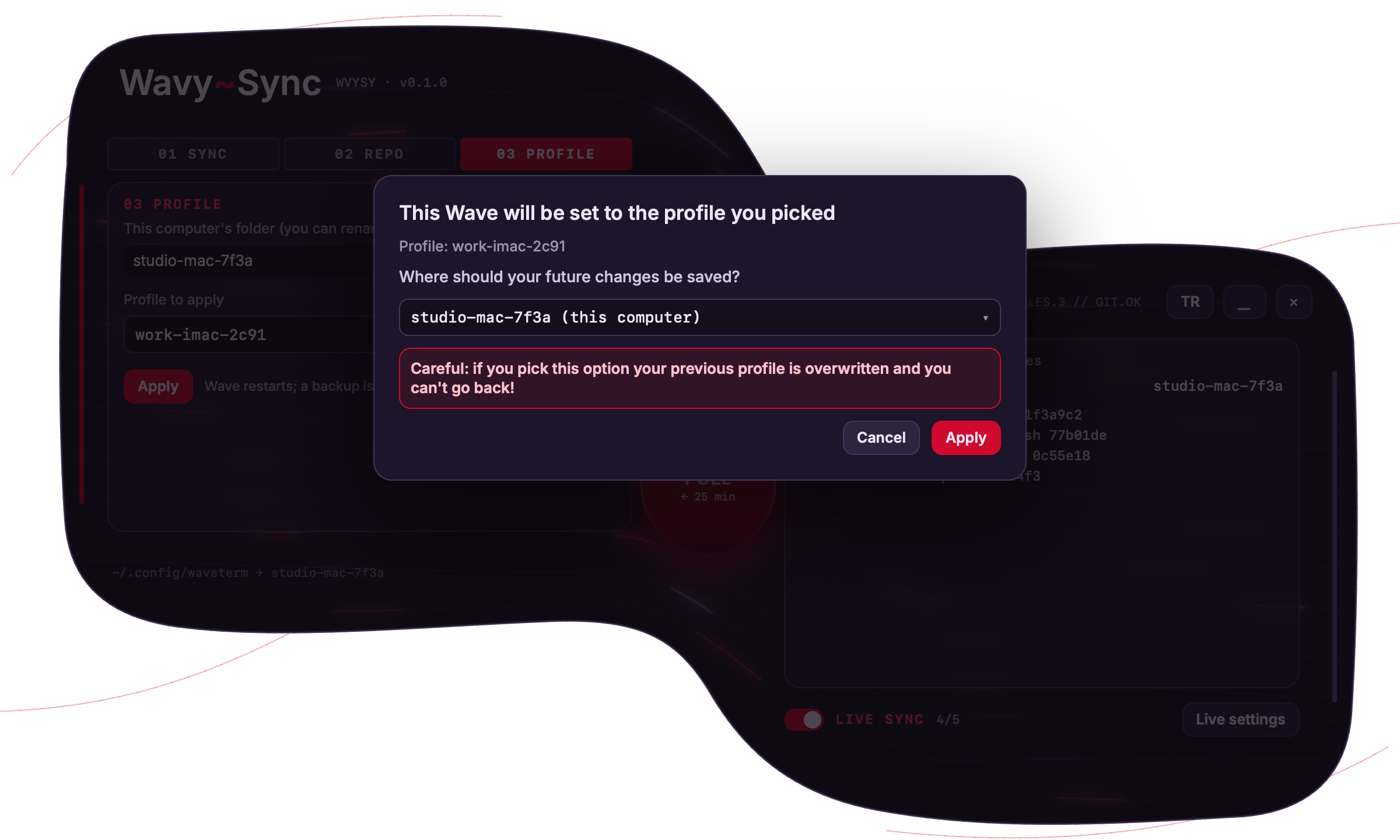
Each computer saves to its own folder, named after the computer, and you can rename it. Apply another computer's profile and choose where your future changes go: your own folder, the profile you applied, or a new one. Your current Wave is backed up first.
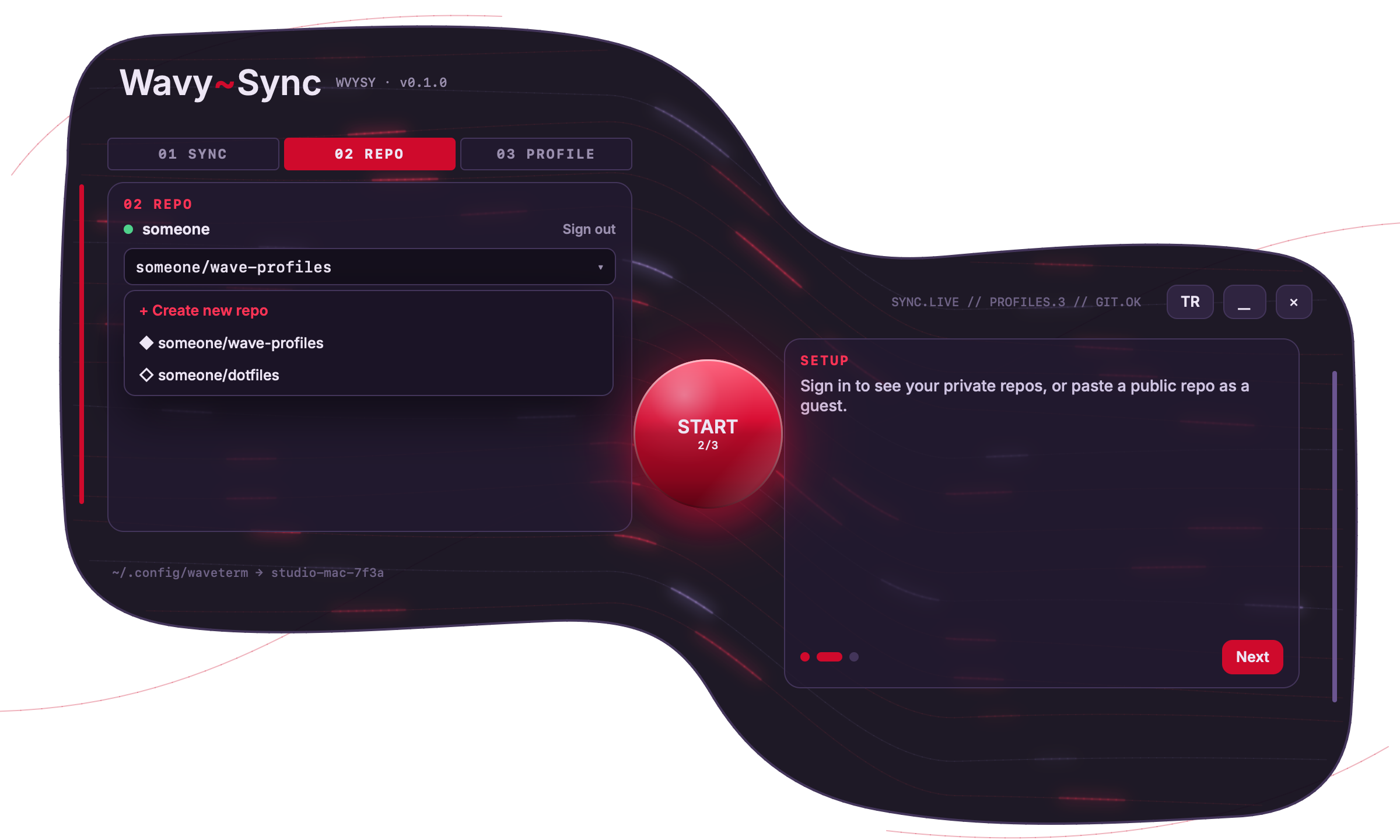
Your repo, private or public
Sign in with GitHub to pick or create a private repo, or use a public repo as a guest with this computer's own git login. Keys, tokens and passwords are stripped before anything leaves, and your home folder is stored as {HOME} so paths work under another user name.